Attach an Operational Risk Assessment (ORA)
Supporting action. Attach/unlink an ORA from Request up to Awaiting Authorisation (not in Closing or Closed). The ORA content lives in the ORA module.
Link an Operational Risk Assessment to the permit so its controls are taken into account through the workflow.
When to use
Use this task when an ORA applies to the work and must be associated with the permit.
Before you start — check before launching the task
- You hold the Permit Requester role (or PCA / OA / HSE / RSES, depending on the step).
- An accepted/active ORA exists in the ORA module.
Step-by-step
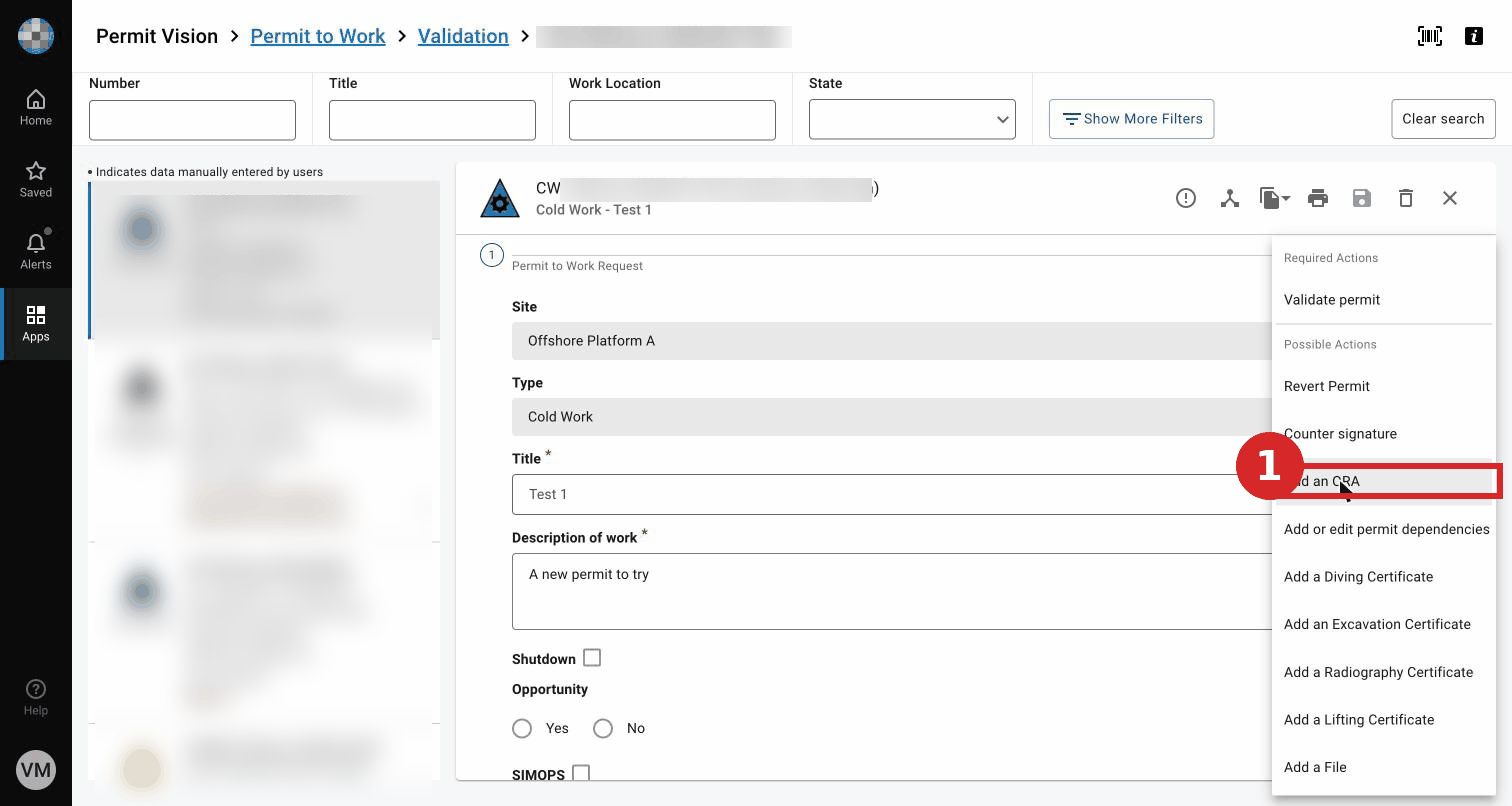
- On the permit, select Attach ORA.
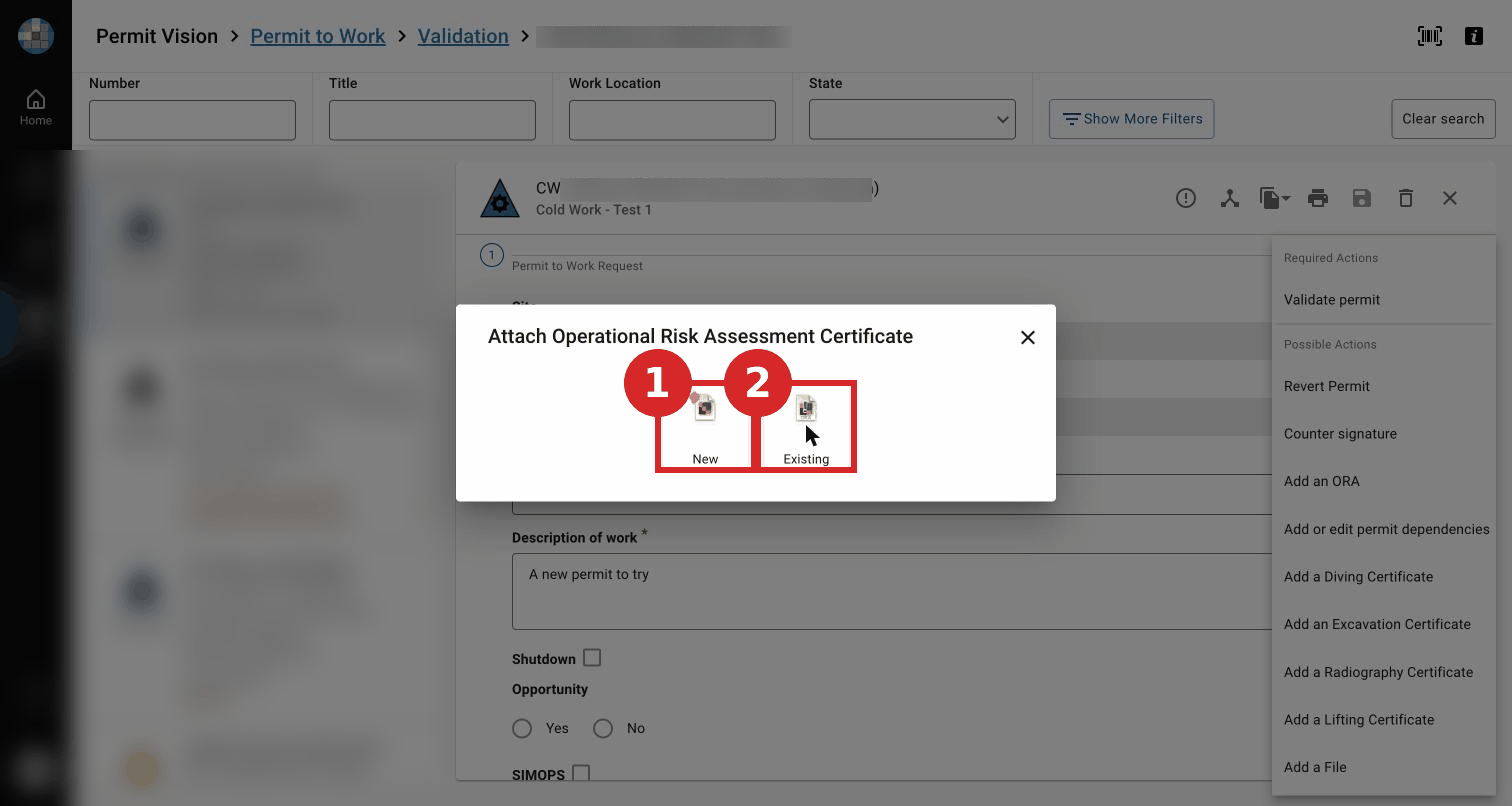
- Choose the ORA. Its prerequisite controls then appear among the permit's prerequisite controls, confirmed at Issue and Open alongside those from the RAB/RAD. The ORA must be in an eligible state for each approval step (e.g. Active at Authorise/Issue). (Full matrix — see the ORA module.)
Expected result
The ORA is linked to the permit; the permit status is unchanged.
Key Referentiel rules
- A permit's risk analysis integrates the relevant operational risk assessment and its control measures. (CR-GR-HSE-402, Req 3.2.1)
- Prerequisite control measures must be in place before issue. (CR-GR-HSE-402, Req 3.5.1)
Tips & pitfalls
Tip — attach the ORA early. Its prerequisite controls feed the Issue and Open checks.
Pitfall — relying on printing the ORA from the permit. The ORA cannot currently be printed from the PTW. (Known FDD gap, EPERM-573.)
Common mistakes
| Mistake | Consequence |
|---|---|
| ORA not in the required state at authorisation/issue | Step blocked |
| Forgetting ORA prerequisite controls at Issue | Control gap on site |